01 / Frame
Edges
Use the comparison to follow the boundary line from the original frame to the finished one.
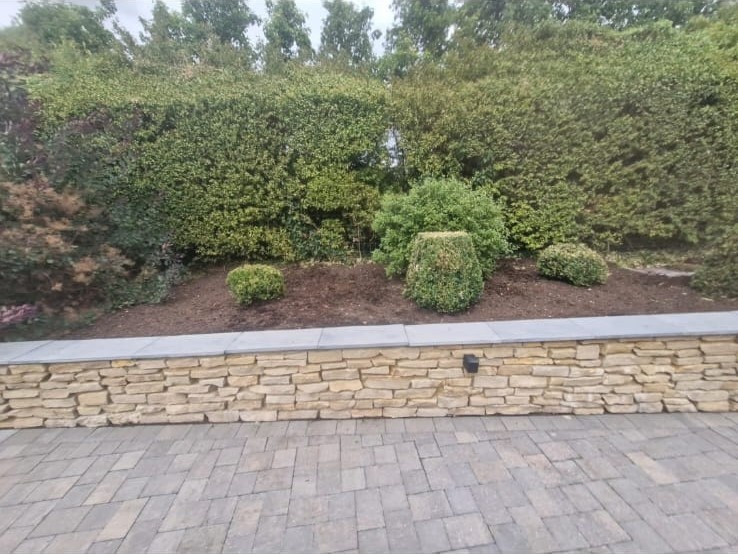
Not a gallery. A guided way through the work — from the first frame to the last edge, with every supplied photograph still available to explore.
Each numbered view becomes a matched frame: a small moment in the job and a way to move through the property at your own pace.
The system recognises before / during / after labels, including extra “after” views, and builds the story from the supplied folder.
The smart frame rail pairs the same numbered view across the job. Choose a viewpoint, choose a stage, then drag the photographic proof open.
Views without a during photograph still work cleanly as before / after comparisons.
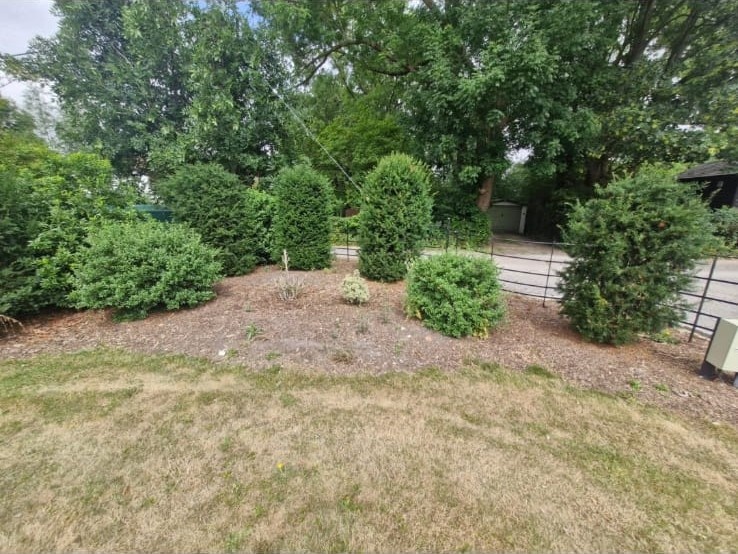 Before
After
After / finished frame
Before
After
After / finished frameThe walkthrough is an optional layer for people who want to be led. It moves through every numbered view, while the filmstrip keeps the visitor in control.
Pause, step back, step forward or jump to a frame. No autoplay is forced on the visitor.
The complete supplied set is here. Search by view, filter by stage or select two photographs to build your own comparison.
Click a photograph to open the lightbox. Vehicle registration marks are discreetly redacted at the client’s request.
These are not artificial annotations or invented claims. They are quiet prompts that give the viewer a useful way to look at the supplied photographs.
Use the comparison to follow the boundary line from the original frame to the finished one.
Switch through the working photographs to see how protection, access and clearance sit inside the job.
Open the archive and choose the final angle that best tells the client’s result.
This case study keeps the real garden work at the centre while redacting only vehicle registration marks at the client’s request. The same structure can be reused for future jobs while retaining only approved project details.
Start a conversation